

Klippain Shake&Tune module documentation

Detailed documentation
Before running any tests, you should first run the AXES_MAP_CALIBRATION macro to detect the and set Klipper's accelerometer axes_map parameter and validate that your accelerometer is working correctly and properly mounted. Then, check out input shaping and tuning generalities to understand how it all works and what to look for when taking these measurements.
Finally look at the documentation for each type of graph by clicking on them below tu run the tests and better understand your results to tune your machine!
| Belts graph | Axis input shaper graphs | Vibrations graph |
|---|---|---|
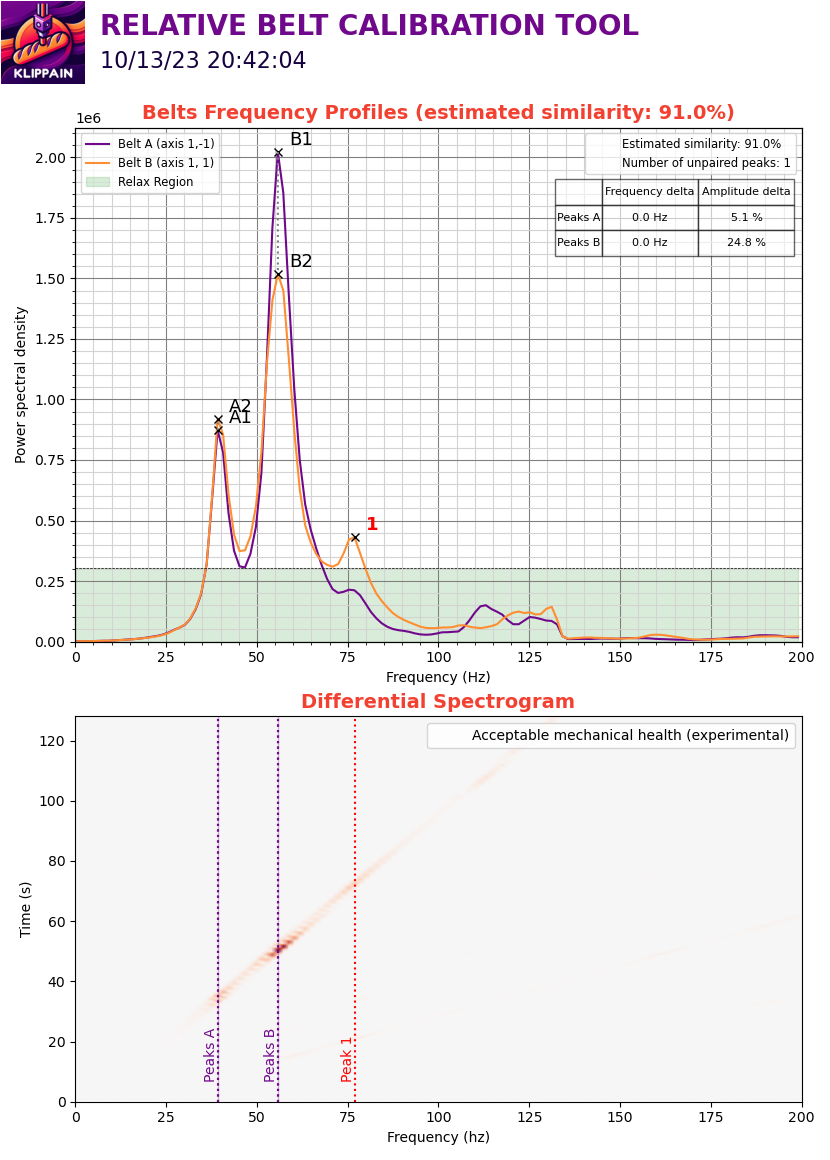 |
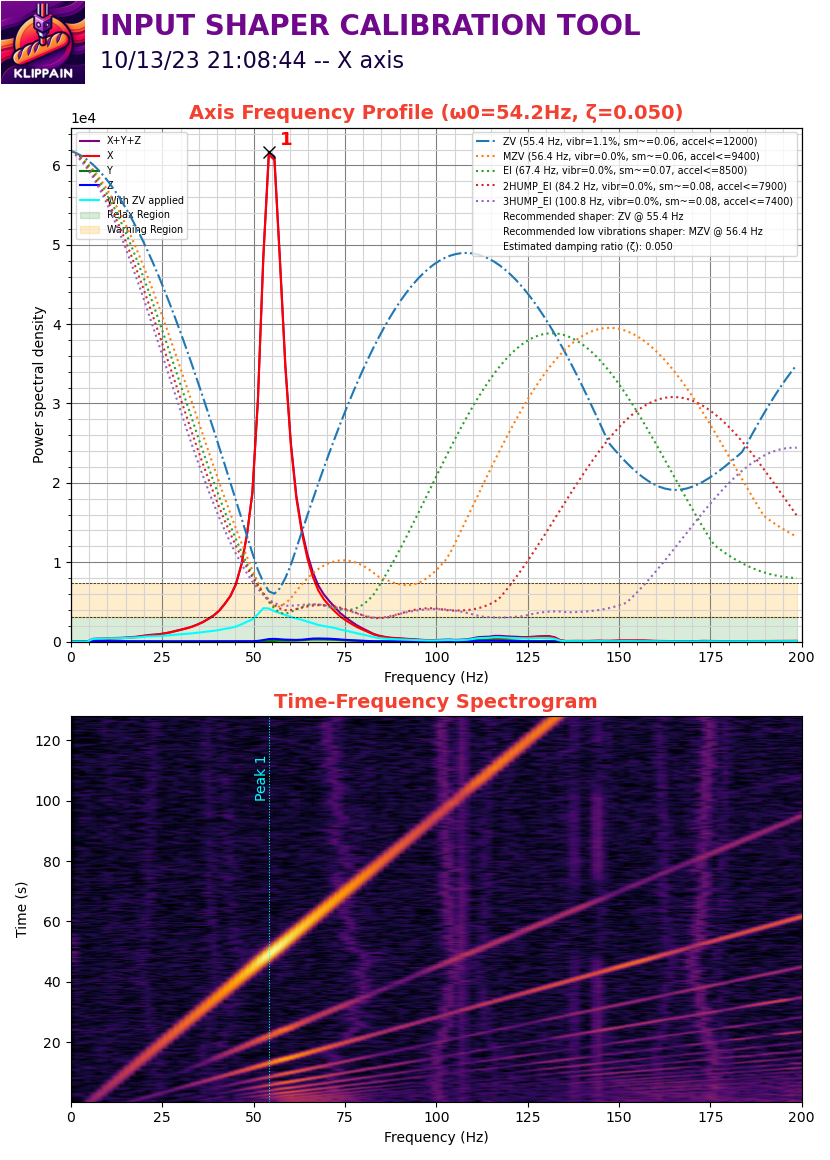 |
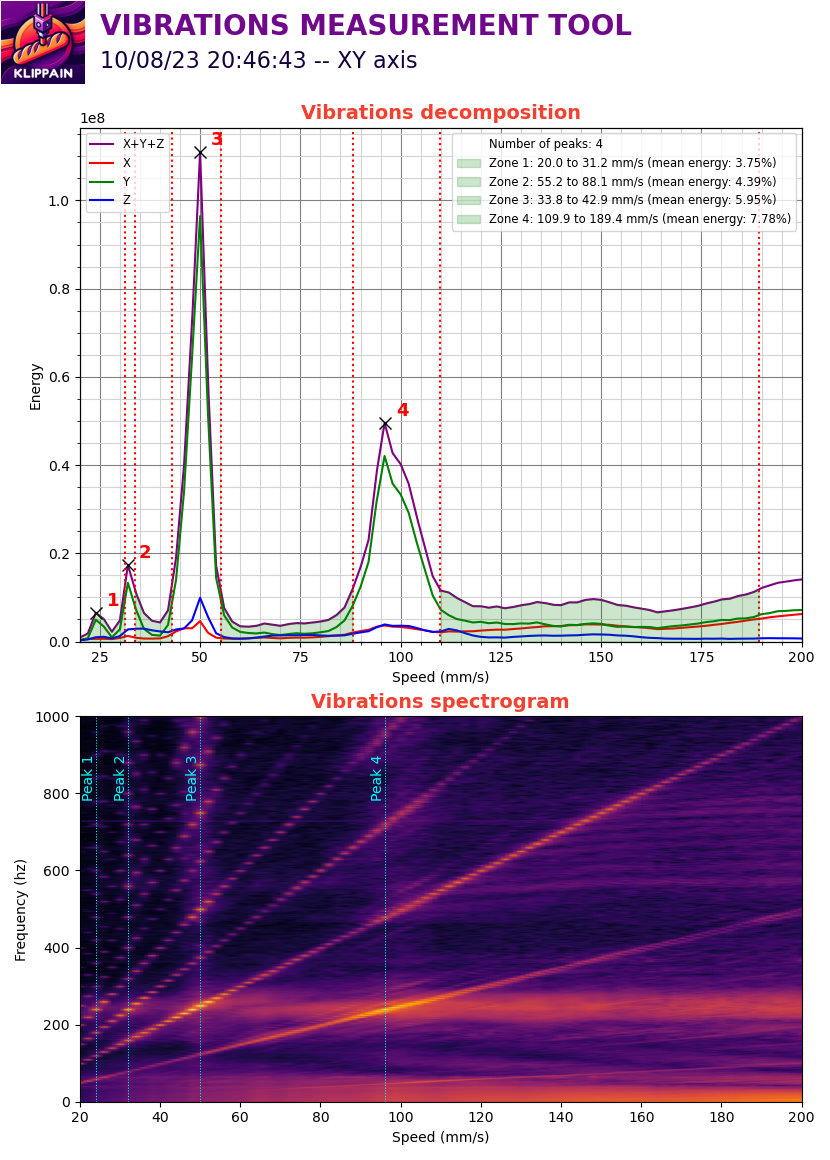 |
Complementary ressources
- Sineos post in the Klipper knowledge base